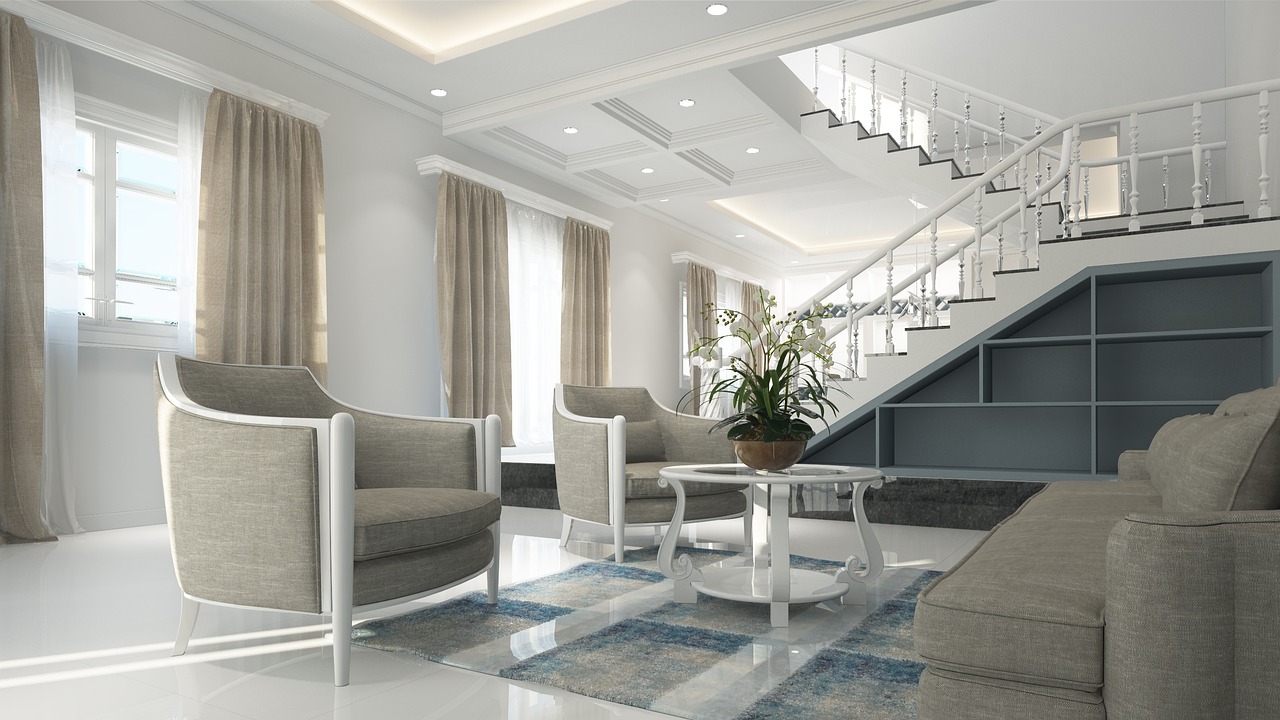
With cross-border remote employment becoming customary and Taiwan Employment Gold Card policy gaining momentum, an expanding cohort of international software engineers, global digital consultants, and independent founders are establishing residences in Taipei and New Taipei. For digital nomads who rely on fast internet connections and intellectual output, rented premises represent far more than a place to sleep; residences operate as integrated productivity offices, high-stakes video conference rooms, and personal living quarters. However, standard rental conditions across Taipei—featuring congested shared Wi-Fi, low-grade dining chairs, and poor natural light—routinely impair professional output. Mastering international rental standards, fiber network tuning, and ergonomic workstation setups is fundamental to maintaining high-yield remote work performance.
Digital Nomad Rental Standards: WFH Ergonomics in Taipei

This article is compiled from publicly available online sources for general reference only; readers should independently verify and judge its accuracy, and it is not legal, tax, medical or engineering advice. Rules, fees and subsidies change; check the latest notice from the responsible authority before acting. For electrical, gas, structural or health risks, consult a qualified professional.
This is the English edition of a Chinese article, adapted with AI assistance and checked against the original. Where the two differ, the Chinese version and the official sources it cites prevail.
5 Core Rental Evaluation Standards for International Digital Nomads
The global remote work community employs quantitative benchmarks when evaluating residential spaces. Moving beyond conventional criteria focused strictly on rental rates and transit proximity, international nomads prioritize 5 vital infrastructure requirements:
Standard 1: Ultra-fast, low-latency, and resilient symmetric broadband connectivity. Internet reliability represents an existential lifeline. Residential broadband requires at least 100Mbps download and 40Mbps upload bandwidth, international latency under 30 milliseconds, and 0% packet loss metrics. Crucially, workstations require physical RJ45 Ethernet ports to bypass wireless interference during critical video presentations.
Standard 2: Dedicated functional zoning with generous natural illumination. Work zones must maintain physical or visual boundaries separating desks from sleeping areas to prevent cognitive exhaustion stemming from blurred domestic routines. Desks should sit beside windows equipped with adjustable blinds or roller shades, harmonizing daylight with anti-glare needs.
Standard 3: Certified ergonomic furniture adhering to occupational health standards. Reject hard dining chairs or unsupportive rotating leather seats provided by landlords. International baselines demand professional office chairs with adjustable lumbar support, 3D directional armrests, and breathable mesh fabric; workstations benefit from dual-motor electric standing desks with memory height adjustments between 65 and 125 centimeters to support sit-stand routines.
Standard 4: Low-noise acoustic environments with soundproofing measures. Ambient background noise must remain below 45 decibels. Windows should feature dual-pane laminated acoustic soundproof glass to suppress motorcycle and bus traffic noise from Taipei streets, while interior soft furnishings absorb flutter echoes during Zoom calls.
Standard 5: Flexible medium-term lease agreements and transparent billing structures. Because nomadic stays typically range between 1 and 6 months, furnished apartments offering flexible lease lengths and utility billing pegged directly to official Taipower meters represent the primary prerequisite for attracting global professionals.
| Equipment Dimension | Entry-Level Baseline Standard | Professional Remote Standard | Flagship International Standard |
|---|---|---|---|
| Broadband network specifications | 100Mbps download / 40Mbps upload | 300Mbps download / 100Mbps upload FTTH | 500Mbps to 1Gbps symmetric fiber with 4G/5G |
| Workstation desk and seating | Fixed wood desk with basic lumbar mesh chair | Dual-motor electric standing desk + mesh chair | Hardwood standing desk + pneumatic monitor arm |
| Acoustics and task lighting | Standard ceiling light, noise under 50 decibels | CRI 90 flicker-free lamp, 45 decibels glass | Acoustic panels, blackout curtains, zoned CRI lighting |
High-Speed Home Networking Setup and Optimization in Taipei
When renting apartments in Taipei and New Taipei, a frequent pitfall is landlord assurances of "complimentary high-speed Wi-Fi," only to find an entire 5-floor walk-up sharing a single basic fiber connection that bogs down during peak evening hours. Remote professionals should follow structured optimization steps during apartment viewings and move-in:
Step 1: Verify the physical broadband delivery infrastructure. Prioritize dedicated fiber-to-the-home (FTTH) connections, such as Chunghwa Telecom HiNet 300M/300M or 500M/500M symmetric tiers, where dedicated optical lines connect to an indoor optical network terminal (ONU) to guarantee uncontended bandwidth. Where older conduits preclude optical line pulls, consider Wi-Fi 6 compatible 5G home wireless routers, which deliver sustained real-world download speeds between 150Mbps and 300Mbps.
Step 2: Mitigate wireless attenuation across multi-partition older buildings. Brick partition walls in older walk-ups measure 12 to 15 centimeters thick, attenuating wireless signals. Position a Wi-Fi 6 or Wi-Fi 7 wireless router directly adjacent to the workstation, connecting computers directly with Cat6 patch cords to enjoy sub-2 millisecond local latency; configure independent 5GHz wireless bands to circumvent 2.4GHz microwave and Bluetooth interference.
Step 3: Establish automated dual-WAN network failover. For professionals participating in mission-critical international presentations, deploy dual-WAN routers that configure smartphone 4G or 5G tethering as standby links via USB. If fixed broadband suffers sudden dropouts, the router executes automated failover within 3 seconds without dropping video streams. Prior to signing leases, utilize our rental electricity fee calculator and contract checker to confirm utility compliance, and consult our rental electricity rate regulations and Taipower billing ceiling alongside our guide to Taipei and New Taipei plumbing and electrical pricing and fee traps to verify overhead transparency.
Ergonomic Workstation Setup and Healthy Biomechanical Formulas
Working for extended hours on unadjusted laptops represents the leading origin of carpal tunnel syndrome, cervical disc herniation, and chronic myofascial back pain. Adhering to international occupational health codes, workstation geometry should follow strict biomechanical formulas:
The golden ratio formula for chair and desk elevations states: seat height equals "height × 0.23", while typing surface height equals "height × 0.41". For a remote worker measuring 175 centimeters tall, optimal chair seat height measures 40.25 centimeters, while ideal desk typing surface height equals 71.75 centimeters. When seated, feet must rest flat on the floor with knees bent at a natural 90 degrees angle; shoulders should hang relaxed, while forearms rest on armrests or desk surfaces forming 90 to 100 degrees angles with upper arms, keeping wrists straight rather than arched.
Display placement is essential for cervical spinal health. Never work hunched over laptops resting flat on desk surfaces; elevate displays using laptop risers or external monitors. The top bezel of an external screen should align with horizontal eye level, allowing gaze to tilt naturally downward by 15 to 20 degrees toward screen centers; horizontal viewing distance between eyes and screens should measure 50 to 70 centimeters (roughly the length of an outstretched arm).
Regarding task lighting, never operate in dark rooms illuminated solely by harsh monitor backlights. Work surfaces require flicker-free task lamps boasting color rendering indices (CRI) exceeding 90 with color temperatures between 4000K and 5000K, supplying 500 to 750 Lux illuminance; place diffuse indirect ambient backlights behind monitors to eliminate high-contrast glare that strains ciliary eye muscles.
WFH Space Maximization for Compact Taipei Rental Studios
In high-density rental markets across Taipei and New Taipei where studios typically span 6 to 10 ping (20 to 33 square meters), creating dedicated work areas requires vertical integration and modular design principles:
- Adopt mobile or folding pneumatic standing desks. Within compact 7 ping studios, utilize compact pneumatic standing desks fitted with silent caster wheels (measuring roughly 80 by 60 centimeters). Roll the desk toward sunlit windows during morning hours, then stow it neatly beside wardrobes at night to reclaim living space.
- Leverage clamp-on metal pegboards and under-desk cable baskets. Mount clamp-on metal pegboards along desk perimeters to vertically store laptop docking stations, surge protectors, external hard drives, headphones, and notebooks; fasten under-desk cable management trays below surfaces to conceal adapters and wires, leaving work surfaces 100% clean and unobstructed.
- Construct acoustic visual backgrounds for video conferences. Where compact studios cannot obscure drying racks or kitchenettes, mount ceiling curtain tracks with heavy acoustic fabric behind office chairs to screen domestic clutter instantly; combine this with directional microphones utilizing AI background suppression to maintain professional video conference presence even during street traffic surges.
Frequently Asked Questions
Can a tenant request that a landlord replace an uncomfortable desk chair that causes back pain?
Under tenancy law across Taiwan, landlords are obligated to maintain leased furniture in functional condition. Provided an existing chair is structurally sound, landlords bear no statutory duty to finance high-end ergonomic upgrades. The practical approach is proposing to purchase your own ergonomic chair while requesting that the landlord store the provided chair; upon lease conclusion, the tenant retains ownership and relocates the personal chair.
How can a tenant resolve frequent buffering and dropped connections when sharing Wi-Fi with an entire building?
When shared Wi-Fi causes video interruptions, explore three progressive remedies: First, ask permission to install an independent Chunghwa Telecom fiber line funded entirely by yourself, transferring the account upon moving; second, subscribe to a plug-and-play 5G home wireless broadband router requiring no drilling; third, offer to co-fund a router upgrade supporting intelligent Quality of Service (QoS) bandwidth management to reserve dedicated bandwidth for your work IP.
Will mounting monitor wall brackets or acoustic foam onto studio walls result in deposit deductions upon move-out?
There is a substantial risk of deposit disputes. Drilling anchor holes into concrete walls or applying aggressive foam tape to mount acoustic panels routinely strips paint or damages plaster surfaces during removal. Under statutory restoration duties, landlords may deduct NT$3000 to NT$6000 from security deposits to cover repainting and skim coating. Renters should instead utilize clamp-on pneumatic monitor arms and freestanding acoustic floor dividers to avoid all wall-drilling deposit forfeiture risks.
Sources
Information compiled from international occupational safety guidelines and national telecommunications regulations: