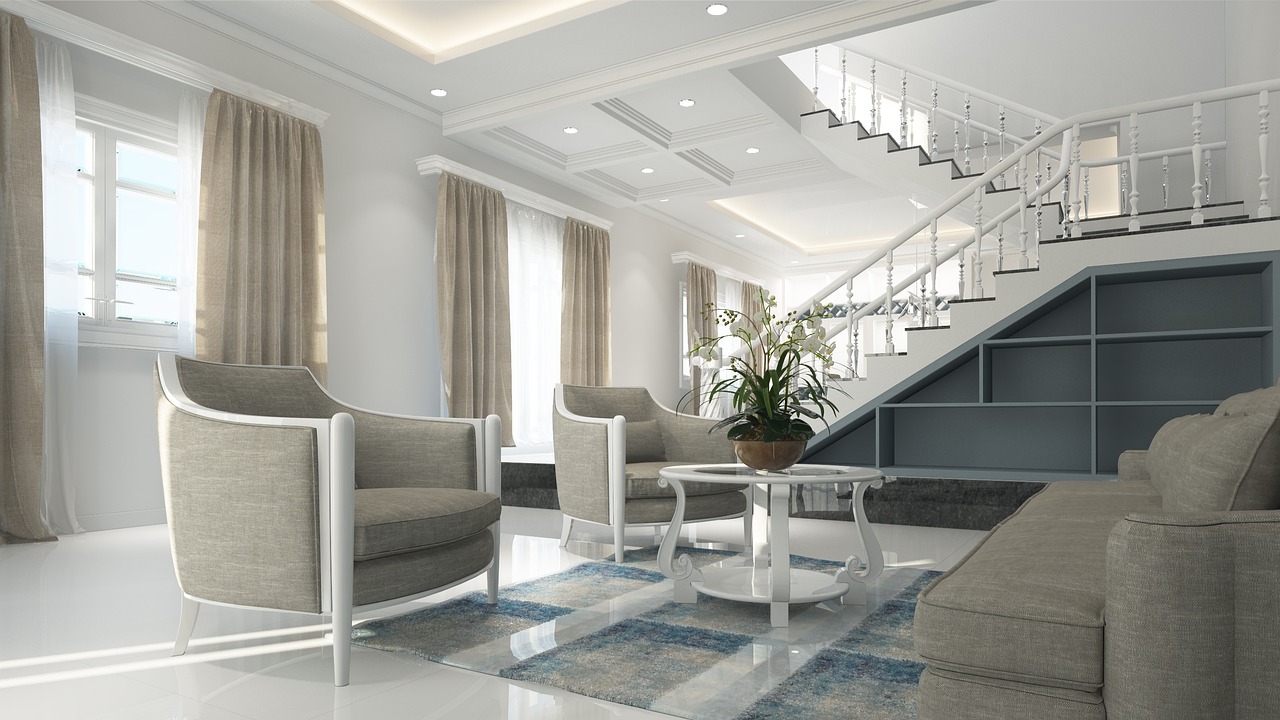
When upgrading smart lighting, choosing between smart light bulbs and smart wall switches depends on two primary criteria: first, do you require stepless dimming and adjustable color temperature from 2700K warm yellow light to 6500K daylight white? If yes, select smart bulbs or smart ceiling lights; second, does a single wall switch control an entire circuit of 4 to 6 recessed downlights where only on-off switching is needed? If so, replacing one smart wall switch is vastly more economical than purchasing 6 separate smart bulbs. However, if family members toggle conventional physical wall switches off, smart bulbs lose continuous power and fall offline, requiring dedicated always-on switch configurations to resolve.
Looking for the Chinese version of this article?切換至繁體中文版 →
Smart Light Bulbs vs Switches: Dimming and Wiring Solutions
This article is compiled from publicly available online sources for general reference only; readers should independently verify and judge its accuracy, and it is not legal, tax, medical or engineering advice. Rules, fees and subsidies change; check the latest notice from the responsible authority before acting. For electrical, gas, structural or health risks, consult a qualified professional.
This is the English edition of a Chinese article, adapted with AI assistance and checked against the original. Where the two differ, the Chinese version and the official sources it cites prevail.
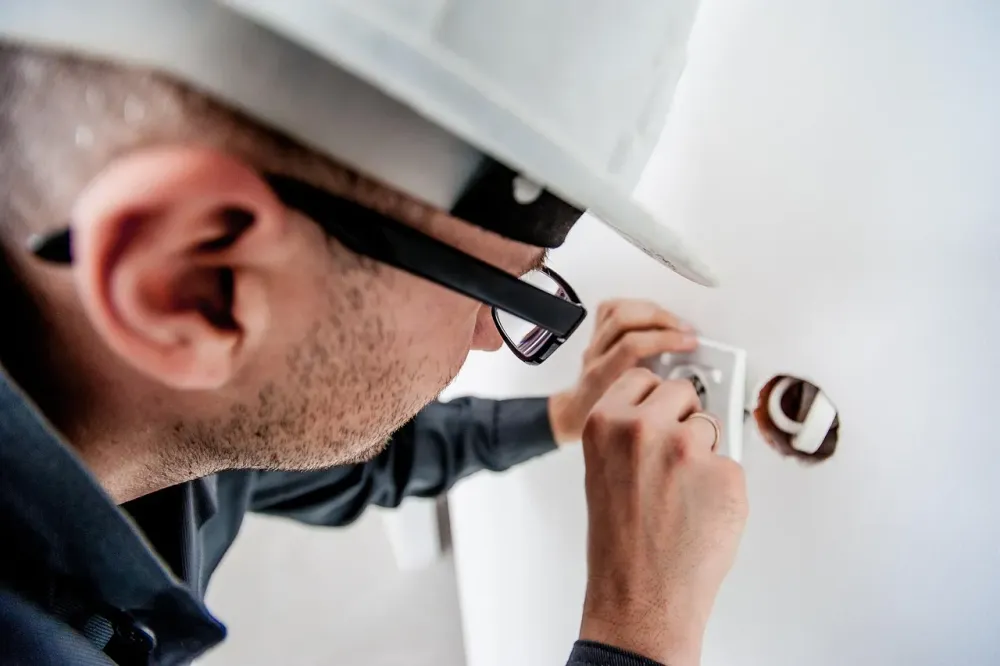
Note: Replacing embedded wall switches involves 110V or 220V residential wiring; always switch off the branch no-fuse breaker (NFB, 無熔絲開關) in the distribution panel and verify zero voltage prior to work, or hire licensed electrical contractors. When purchasing LED bulbs and luminaires, verify Bureau of Standards, Metrology and Inspection (BSMI) inspection marks and NCC radio-frequency approval labels.
Smart Bulbs vs Smart Wall Switches: Which Fits Your Home? (Compiled Analysis)
Many homeowners discover after installing smart bulbs that family members habitually flick wall switches, cutting mains power and causing Siri or Google Assistant to report unresponsive devices. Consider structural differences:
| Comparison Aspect | Smart Bulbs and Luminaires | Smart Wall Switches (Controlling Standard Fixtures) |
|---|---|---|
| Stepless Dimming and CCT Tuning | Supported (adjust 2700K warm yellow to 6500K daylight white, 1% to 100% brightness, or RGB colors in app) | Not supported (manages circuit power only; illumination color depends on installed conventional bulbs) |
| Installation Ease and Renter Friendliness | Requires zero electrical alterations; screws directly into E27 sockets and packs easily when moving | Requires opening wall switch plates to rewire, constrained by whether junction boxes carry neutral wires |
| Impact of Physical Switch Toggles | Toggling traditional mechanical switches off disconnects power, dropping bulbs offline | Acts as the physical switch itself; wall button presses and app status remain permanently synchronized |
| Cost for Multi-Downlight Circuits | If a living room has 8 downlights, purchasing 8 smart bulbs incurs substantial hardware expense | Replacing a single smart wall switch simultaneously automates all 8 conventional downlights economically |
Three Practical Solutions for Preventing Smart Bulb Disconnection (Compiled Analysis)
To prevent smart bulbs from disconnecting when wall switches are flipped off, apply one of 3 practical remedies:
- Install wireless switch covers or lockout guards: Place magnetic or snap-on physical covers over existing rocker switches to prevent accidental toggling, pairing a battery-powered wireless scene switch nearby for wall control.
- Wire constant hot inside switch boxes and install wireless scene controllers: Disconnect the mechanical switch, splice live and load conductors together with wire nuts so bulb sockets remain permanently energized, and mount a wireless Zigbee or Bluetooth button over the wall plate.
- Deploy smart wall switches with decoupled smart bulb modes: Install smart switches supporting decoupled relay modes (轉無線開關模式); the internal relay keeps 110V circuit power permanently closed while physical rocker presses send digital commands over the mesh network. For evaluating standby power draw, review vampire load costs.
Single Live-Wire vs Neutral Wiring in Older Homes and BSMI Labeling
In apartments and condominiums over 20 years old across Taipei and New Taipei, electricians historically ran only the live feeder wire (L) and the switched load wire to wall boxes, omitting neutral wires (N). Installing standard smart switches without neutral wires prevents power-up; installing single live-wire smart switches trickles weak current through lighting circuits, which causes low-wattage LED bulbs to flicker or emit ghostly glows when off unless fitted with an anti-flicker capacitor. For comprehensive retrofit evaluations, consult our Taipei no-neutral smart switch guide.
Furthermore, verify product labeling and national standards when purchasing LED bulbs and lighting fixtures:
| Technical Specification | Standard Parameter Reference | Practical Application and Regulatory Guidelines |
|---|---|---|
| Luminous Flux (Lumens, lm) | Standard E27 LED bulbs typically output 800 to 1200 lm (equivalent to 10W to 13W LED) | Evaluate total lumens rather than wattage alone; ensure adequate ambient illumination for task spaces |
| Color Temperature (Kelvin, K) | Approximately 2700K to 3000K for warm white, 4000K for neutral light, 5000K to 6500K for daylight white | Bedrooms benefit from warm light before sleep; study desks and kitchen prep areas require neutral or white light |
| BSMI Markings and Photobiological Safety | Self-ballasted LED lamps and luminaires require mandatory BSMI inspection under CNS 15436 and CNS 15592 | Confirm packages carry valid BSMI marks to avoid uncertified gray-market lamps lacking photobiological ratings |
| NCC Telecommunications Certification | Applies to Wi-Fi, Bluetooth, Zigbee, and Thread wireless radio modules | Verify NCC labels under Telecommunications Management Act Article 66; consider Matter certified models for ecosystem interoperability |
Frequently Asked Questions
Can I install smart bulbs on circuits controlled by traditional rotary dimmers?
Never do this (compiled reference). Traditional rotary dimmers chop AC voltage waveforms to dim incandescent loads, whereas smart bulbs require continuous, stable 110V supply to power internal radio chips and LED driver circuitry; connecting them to rotary dimmers triggers severe flickering, humming, or catastrophic driver burnout.
How can I identify whether my wall switch box contains a neutral wire?
Turn off the circuit breaker in the distribution panel and remove the switch wallplate: single-pole traditional switches connect only two wires (live feed and switched load); check whether a separate bundled neutral wire (typically white or blue) passes through the interior of the wall box, or whether nearby receptacles share neutral paths.
Why do single live-wire switches cause low-wattage LED lamps to flicker when turned off?
Single live-wire switches lack an independent neutral wire, requiring a trickle current to leak through the light fixture circuit to keep internal wireless microchips alive; with low-wattage LED fixtures or sensitive drivers, this parasitic trickle current charges capacitors until discharging as visible ghostly flicker. Bridging a safety bypass capacitor across fixture terminals resolves this.
Does keeping smart bulbs powered 24 hours a day consume substantial electricity?
When turned off via mobile applications while wall switches remain continuously powered, a smart bulb draws roughly 0.5W to 1W on wireless standby. At 0.5W, one bulb idling continuously consumes 0.5 × 24 × 365 ÷ 1000 = 4.38 kWh annually; across 20 fixtures, cumulative standby totals 87.6 kWh per year, which is why multi-downlight circuits are preferably retrofitted with smart wall switches (compiled reference).
Last updated: 2026-11-01
This article compiles public information by SOSfix for general reference; consult BSMI, NCC, or licensed electrical contractors for specific installations.
Sources
- Bureau of Standards, Metrology and Inspection: Self-Ballasted LED Lamp Standards and Photobiological Safety Regulations CNS 15436 and CNS 15592 (Verified 2026-11-01): Mandatory inspection criteria, safety marking requirements, and photobiological safety standards for consumer LED bulbs.
- Bureau of Standards, Metrology and Inspection: Product Certification Database Search (No date mark, Verified 2026-11-01): Official portal for verifying BSMI registration identification numbers for LED lighting and electrical wall switches.
- Bureau of Standards, Metrology and Inspection: Energy Conservation: Understanding Electricity Meters (Published 2024-04-02, Verified 2026-11-01): Defining 1 kilowatt-hour as 1,000 watts utilized continuously for 1 hour (1 kWh) and explaining standby consumption calculations.
- Laws and Regulations Database: Telecommunications Management Act (Amended ROC 115 / August 5, 2026, Verified 2026-11-01): Article 66 mandating compliance verification labels for controlled radio-frequency equipment including smart lighting.
- Laws and Regulations Database: Regulations on Compliance Approval of Controlled Telecommunications Radio-Frequency Devices (Promulgated ROC 109 / July 8, 2020, Verified 2026-11-01): Articles 18 and 19 establishing labeling standards for equipment hardware and e-commerce listings.
Related reading: Taipei Apartment Lighting and Color Temperature Guide · Whole House LED Lighting Upgrade and Smart Dimming ROI