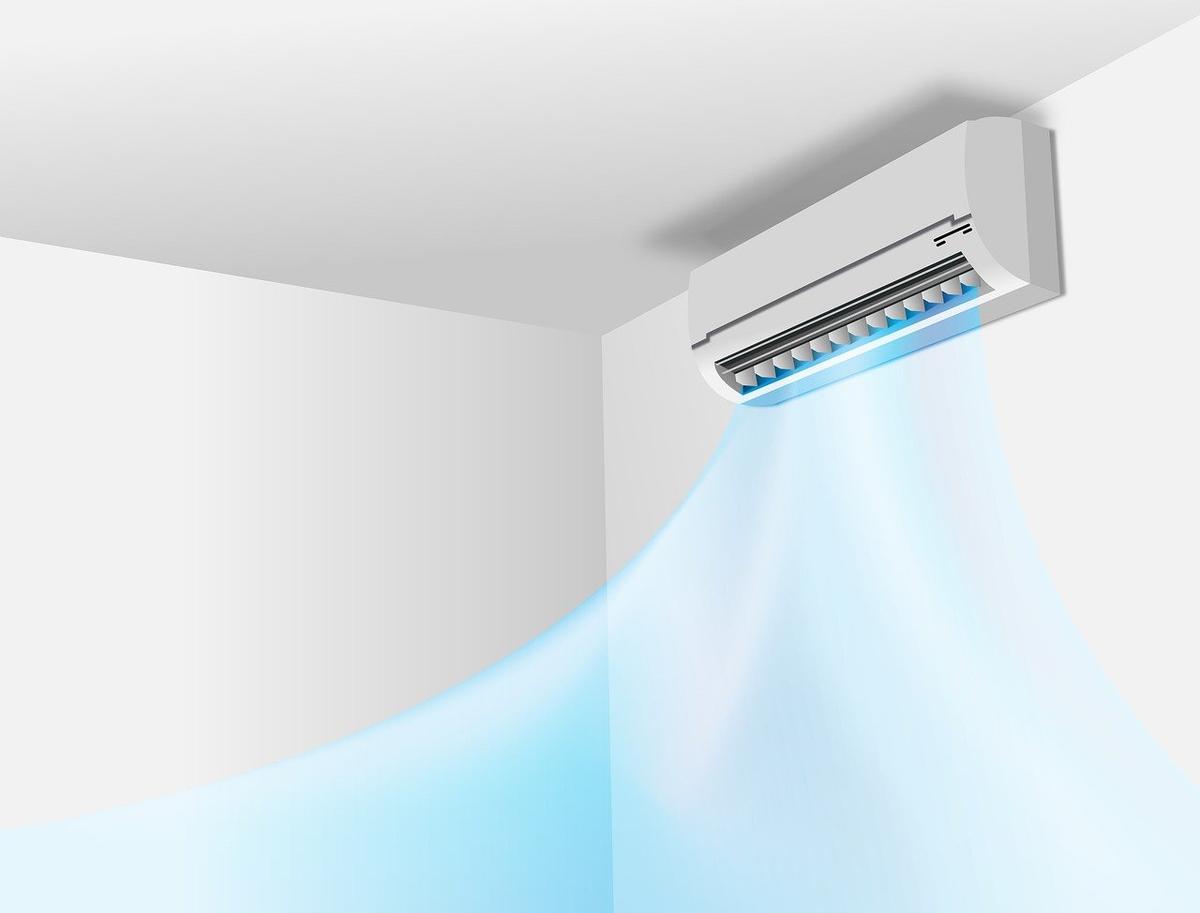
This article covers noise from a split-type AC indoor unit and its indoor piping in a home office, where the problem is your own meetings. It does not cover neighbor complaints (for the outdoor unit, see outdoor unit noise and neighbor complaints). The short answer: first work out whether the sound is airflow, plastic casing expanding and contracting, refrigerant flow, drainage, or wall-bracket resonance. The first two usually improve by cleaning the filter and lowering the fan speed. The last three are installation-related, so ask the installer to adjust the mounting, piping and drain slope. Microphones are especially sensitive to sounds that appear suddenly or rise and fall, so first listen for the character of the sound, then note when it happens, and only then decide whether to handle it yourself or call a technician.
Noisy AC on Video Calls: Indoor Unit Noise and Fixes
This article is compiled from publicly available online sources for general reference only; readers should independently verify and judge its accuracy, and it is not legal, tax, medical or engineering advice. Rules, fees and subsidies change; check the latest notice from the responsible authority before acting. For electrical, gas, structural or health risks, consult a qualified professional.
This is the English edition of a Chinese article, adapted with AI assistance and checked against the original. Where the two differ, the Chinese version and the official sources it cites prevail.
First, Identify Which Sound It Is
The table below is a general description. Actual sounds vary with the model and the installation; if yours does not match the table, go by the technician's judgment on site.
| Sound character | Likely source | DIY or technician |
|---|---|---|
| Steady whooshing that gets louder at higher airflow | Fan running, dusty filter, blocked outlet | DIY: clean the filter, lower the fan speed |
| A click or pop when starting or stopping, at intervals | Plastic casing and parts expanding and contracting | Usually normal, so observe first; ask the manufacturer if it keeps getting louder |
| Hissing, a thin sound of flowing water | Refrigerant flowing through the piping | Usually an operating sound; ask a technician to check if it is unusually loud |
| Gurgling, dripping sound | Water pooled in the drain pipe or poor drainage | Ask a technician to check the drain slope |
| Low-frequency hum, with vibration when you touch the wall | Indoor unit or wall bracket resonating with the wall | Check for looseness first; if it still vibrates, call a technician |
Airflow Noise and a Dirty Filter
The higher the fan speed, the louder the airflow noise. A dusty filter increases air resistance and makes the sound rougher. The typical signs are that it is continuous and tied to airflow, and it gets clearly quieter when you lower the fan speed. If it is still loud at low speed, or there is a scraping sound, there may be a foreign object in the fan or the louver, and it is no longer just a cleaning matter.
Clicking: Casing Expansion and Contraction
After the unit starts and the temperature drops quickly, the plastic casing and parts expand or contract and rub, making short, irregular sounds, mostly at start-up, shut-down or when the temperature changes. If a loud sound comes from the same spot every time, or the casing is loose, ask the manufacturer to inspect it.
Hissing or Flowing Water: Refrigerant Flow
Refrigerant flowing through the piping and evaporator is easier to hear at start-up, shut-down, or when the compressor speed changes, and it is usually a normal operating sound. If the unit also stops cooling, have a professional check it. Disconnecting, reconnecting or topping up refrigerant piping is professional work, so do not do it yourself.
Gurgling or Dripping: Drain Pipe
Condensate flows through the drain pipe to the outdoors, and air or standing water in the pipe makes a gurgling sound. If it is also leaking, see why an AC drips after it is turned off.
Low Hum: Wall Bracket or Wall Resonance
Slight vibration from the motor and fan travels through the wall bracket into the wall, and a lightweight partition or hollow wall amplifies it into a low-frequency sound. With the unit running, lightly rest a hand on the wall or the side of the unit. If the vibration is clear and gets weaker at low fan speed, it is most likely resonance.
What You Can Do Yourself First
Clean the Filter and Check That the Outlet Is Clear
- With the unit off, take out the filter, rinse it with clean water as the manual describes, and let it dry completely before putting it back. Do not use hot water or a stiff brush.
- Check whether curtains, cabinets or boxes block the front of the air intake and outlet.
- Confirm the louver swings normally and has no dust or foreign objects.
- Dust on the evaporator or fan calls for deep cleaning, which is best left to professional cleaners; do not open the casing yourself.
Fan Speed and Mode Settings for Meeting Hours
- Cool the room to a comfortable temperature before the meeting, then switch to low fan speed or quiet mode to hold it during the meeting; the names and functions depend on your model's manual.
- Avoid changing the temperature or switching modes in the middle of a meeting. The airflow and louver movement change at the moment of switching, so the sound is more easily picked up.
- Do not aim the louver straight at the microphone or your seat, which reduces the noise of wind hitting the microphone.
Quiet mode may also lower cooling capacity. If the room is already stuffy, first estimate your needs with the AC tonnage calculator, then read AC tonnage selection and electricity bills.
Looseness Between the Indoor Unit and the Wall
- With the unit off, gently press both sides of the casing and see whether it wobbles or leaves a gap that bumps against the wall.
- Check whether the piping or wires touch the wall or window frame, and whether a picture or shelf on the wall sits tight against the indoor unit.
- With the unit running, lightly touch the casing and the wall, and note where the vibration is strongest to tell the technician. Do not remove the wall bracket or loosen screws yourself.
Installation-Related Cases to Leave to a Technician
The following three are usually not solved by cleaning. Contact the manufacturer or the original installer, describe when and where the sound occurs, and ideally provide a short audio clip recorded during a meeting.
Resonance from a Bracket Fixed to a Lightweight Partition or Hollow Wall
If the wall bracket is fixed only to plasterboard or a hollow wall and not to a supporting structure, it amplifies vibration easily and may loosen over time. The technician will check the mounting position and the screws and, if needed, reinforce or relocate it. Do not drill holes in the wall or add weight yourself.
Refrigerant Pipes Bent or Insufficiently Wrapped
If the piping is bent too sharply, or sits directly against the wall or metal parts, the refrigerant flow noise and vibration become more obvious. Correcting it means working on the refrigerant piping, which is professional work, so photograph where the piping runs and hand it to the technician.
Drain Slope and Standing Water Sounds
The drain pipe should keep sloping downward, with no section that rises or sags in the middle and holds water. If the gurgling reliably occurs at start-up or shut-down, it is often related to standing water or air, and the routing and fixing need to be redone. We do not recommend clearing the pipe with wire yourself, since it can easily puncture the drain pan or the pipe.
Reducing Home Office Noise When Installing or Replacing a Unit
| Item to check | What to confirm |
|---|---|
| Indoor unit position | Not directly facing the desk, your head or the microphone |
| Wall material | Mounted on a wall with structural support, not only on lightweight partition board |
| The other side of the wall | If the other side is a bedroom, consider resonance carrying through to it |
| Piping and drain route | Short and smooth, without excessive bends, with the drain sloping continuously downward |
| Noise figure on the spec sheet | Compare only the same setting, and confirm the measurement conditions are the same |
| Post-installation test | Ask the technician to listen at start-up, shut-down and low fan speed before you accept the work |
Keep the Indoor Unit Away from the Desk and Microphone
In an open environment, each doubling of distance lowers the sound by about 6 dB, so avoid putting the indoor unit directly above the desk or on the wall in the direction the microphone picks up. If it can only go behind the desk, at least keep the airflow from blowing straight at the microphone.
How to Read the Indoor Unit Noise Figure on the Spec Sheet
- Catalogs usually list figures separately for high, medium, low or quiet settings, so compare only the same setting.
- Decibels are a logarithmic unit. A 3 dB difference means roughly double the sound energy, so a small difference in the number does not mean no difference.
- Catalog figures are measured under specific conditions and do not equal how it sounds in your study; "quiet" is also no guarantee that a microphone will not pick it up.
We did not find a measurement standard number for AC noise that could be cited directly, so none is given here; for measurement conditions, go by what the catalog, manual or manufacturer's customer service states.
Trade-Offs Between Hole Position and Piping Length
The longer the piping and the more turns it has, the higher the risk of refrigerant flow noise and poor drainage, but stretching the piping a long way just to avoid the desk may not be worth it either. We suggest fixing the indoor unit position first, then asking the technician to assess the piping and drain route. The hole should also avoid structure and existing lines, and the installer decides this on site.
Frequently Asked Questions
Under What Conditions Are the Decibel Figures on AC Specs Measured?
They are generally measured in a specific environment at a fixed distance and a fixed airflow setting, so they will not exactly match your study. Manufacturers may use different measurement positions and settings, so confirm the conditions are the same before comparing.
Does an AC Clicking Sound Mean It Is Broken?
In most cases it does not, and it is often related to the casing and parts expanding and contracting. If the sound keeps getting louder, lasts the whole time the unit runs, or comes with a loose casing, no cooling, leaking or an odor, we suggest turning the unit off and contacting the manufacturer for repair.
Can Microphone Noise Reduction Cover Up the AC Sound?
Generally, noise reduction works better on steady, continuous airflow and worse on sudden clicks and dripping, and too much of it can make voices sound muffled. First reduce the AC noise at the source, then use noise reduction to supplement it.
Can I Add Vibration-Damping Pads to the Indoor Unit?
We do not recommend adding pads to the indoor unit or the wall bracket yourself. The wall bracket must bear the load securely, and putting things under it carelessly may change how firmly it is fixed. If you need vibration damping, ask the manufacturer or the installer to assess it.
Sources
- Bureau of Standards, Metrology and Inspection, Ministry of Economic Affairs: Notes on Choosing and Using Air Conditioners (verified 2026-11-07): an official reference on choosing and using air conditioners; no noise figures were taken from it for this article.
- Daikin: Inverter Air Conditioner Owner's Manual (FTHF40/50/60/71VAVLT, verified 2026-11-03): the troubleshooting section of the manufacturer's manual, used as a reference that operating sounds are part of normal operation; each model follows its own manual.
- Panasonic Taiwan: CS-QX Series Split-Type Air Conditioner Owner's Manual (verified 2026-11-03): the manufacturer's manual on abnormality checks and the reminder not to repair the unit yourself, used as a reference for the line between DIY and calling a technician.