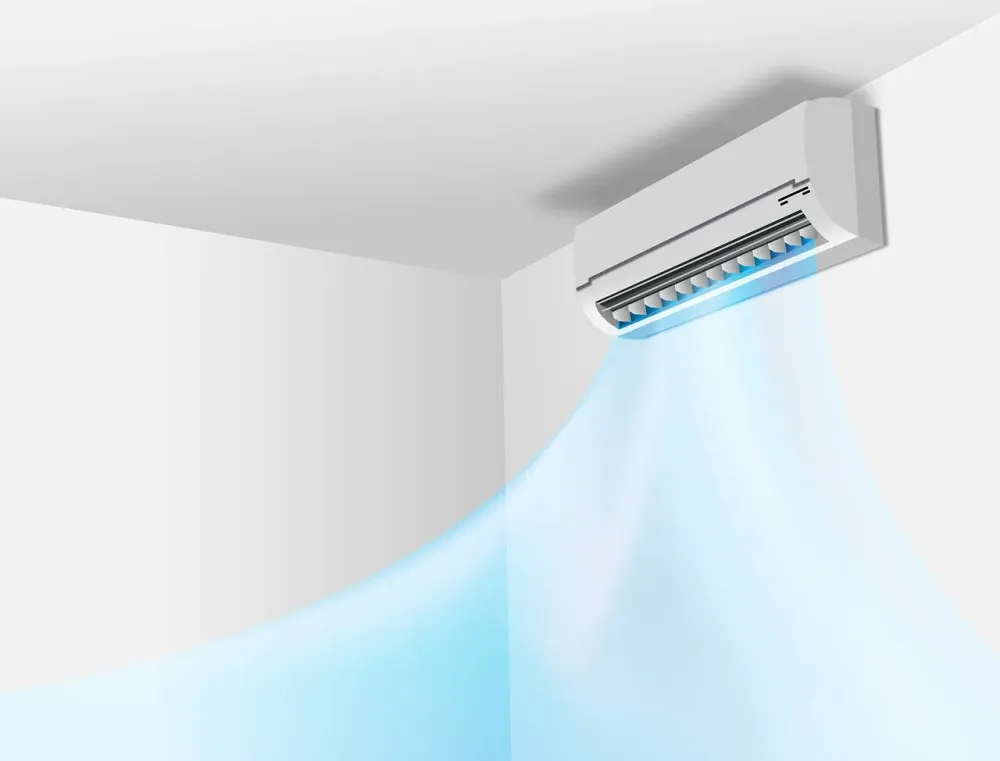
Controlling an air conditioner from a smartphone generally follows two paths: if the unit features built-in Wi-Fi or supported vendor modules, use the official OEM app; without native Wi-Fi, add a smart infrared (IR) remote controller that forwards identical infrared signals via Wi-Fi commands. The IR blaster approach is economical and broadly compatible across brands, yet it requires an unobstructed optical path to the receiver window, and because air conditioners do not transmit back status confirmations, apps display the last sent command rather than verified real-time operating states.
Looking for the Chinese version of this article?切換至繁體中文版 →
Controlling AC with Phones: Smart IR Remote Setup Guide
This article is compiled from publicly available online sources for general reference only; readers should independently verify and judge its accuracy, and it is not legal, tax, medical or engineering advice. Rules, fees and subsidies change; check the latest notice from the responsible authority before acting. For electrical, gas, structural or health risks, consult a qualified professional.
This is the English edition of a Chinese article, adapted with AI assistance and checked against the original. Where the two differ, the Chinese version and the official sources it cites prevail.
Note: Principles and setup workflows here reflect compiled technical references (compiled here), not statutory mandates; app interfaces, code library compatibility, and device pairings follow manufacturer instructions. Powering AC units directly on and off via smart plugs is strongly discouraged. Verify that smart IR remotes with Wi-Fi bear official NCC certification labels before purchase.
How Infrared Remote Control Operates
Remote controls house an infrared light-emitting diode (LED) that encodes pressed keys into alternating bright and dark light pulses modulated over a high-frequency carrier wave of several tens of kilohertz (kHz). Optical receiver modules behind the AC front panel respond only to designated carrier frequencies, demodulating signals back into actionable digital commands. As detailed in the Vishay TSOP382 series datasheet:
- Receiver modules are produced in versions tuned to 30, 33, 36, 38, 40, and 56 kHz carrier frequencies; transmitters must match carrier centers closely for reliable reception.
- Integrated epoxy packages incorporate optical infrared filters engineered to suppress ambient interference from light fixtures, LCD screens, and Wi-Fi emissions.
- Under lab test conditions transmission reaches approximately 30 meters, but transmission distance drops by half when angled roughly 45 degrees off-axis.
This demonstrates two critical operational realities: infrared transmissions require direct optical line of sight; and transmissions are strictly unidirectional, meaning the AC unit never sends telemetry back confirming receipt or ambient room temperature.
A smart infrared remote (IR blaster) bridges this infrared emitter to residential Wi-Fi networks: phone apps issue commands to cloud or local network endpoints, prompting the blaster to broadcast corresponding infrared pulses. Devices acquire infrared codes through two methods: selecting pre-programmed models from integrated brand code libraries, or utilizing hardware learning features to capture signals aimed directly from the physical handheld remote (compiled reference).
Comparison of Three Smartphone AC Control Approaches
| Evaluation Item | OEM Native Wi-Fi | Smart IR Remote Blaster | Phone Built-in IR Emitter |
|---|---|---|---|
| Applicable AC Equipment | Models supporting built-in Wi-Fi or optional OEM modules | Virtually all AC units operated via handheld infrared remotes | Same as left, but requires smartphone hardware with built-in IR blaster |
| Remote Control Outside Home | Supported | Supported (smart IR blaster must remain internet-connected) | Not supported; operates only within immediate physical vicinity |
| Real-Time Status Feedback | Generally supported | No feedback; records only the last transmitted command | No feedback supported |
| Placement Restrictions | No line-of-sight required | Must occupy same room with clear sightline to receiver window | Must aim smartphone directly toward the AC unit |
| Units Controlled per Device | Each AC connects independently | All visible appliances in same room; separate rooms require separate blasters | Unlimited appliances, but user must physically walk to each room |
| Modification or Disassembly | Adding OEM module may require opening front casing | Zero disassembly required | Zero disassembly required |
Limitations and Practical Considerations of Smart IR Remotes
- Unobstructed line of sight is essential: Walls, doors, partition cabinets, and thick curtains block infrared beams. Placing an IR blaster on low TV stands where flat-panel displays obstruct the path is a frequent cause of transmission failure.
- Transmission angles and distances: As cited in technical datasheets, severe off-axis angles diminish reliable range; while small bedrooms operate smoothly, long living rooms with distant AC mountings demand verified site testing.
- Asynchronous state discrepancies: If family members toggle the air conditioner using physical handheld remotes, mobile apps cannot detect the change, remaining falsely displayed at 26 degrees. Furthermore, some models employ toggle power keys; sending an on signal when already running unexpectedly shuts down cooling. Verifying real-time operation requires entering the room or referencing linked thermo-hygrometers to detect dropping temperatures (compiled reference).
- Network and cloud dependencies: Most smart remotes operate exclusively on designated Wi-Fi bands; unstable wireless connectivity introduces command delays or offline states; for diagnostic steps, consult our guide on troubleshooting slow Wi-Fi and connection drops. Discontinuation of vendor cloud infrastructures may permanently disable remote scheduling.
- Incomplete functional coverage: Built-in brand libraries occasionally omit specialized functions like 3D swing louvers, eco modes, or self-cleaning cycles, supporting only baseline power, setpoint, mode, and fan adjustments.
Step-by-Step Selection, Setup, and Security Procedures
- Evaluate home environment: Confirm 2.4 GHz wireless coverage reach and establish stable positions for smart blasters.
- Select compliant smart remotes: Ensure brand compatibility lists include your AC model, confirm hardware carries NCC certification labels, and verify vendor listings display certification numbers pursuant to Compliance Regulations Article 19; for cross-vendor voice assistant integration, review what Matter represents and purchasing marks.
- Optimize device placement: Locate the blaster within the same room facing the indoor AC unit directly, avoiding obstructions from soundbars or shelving.
- Connect to network: Follow device manuals to onboard the smart remote onto home Wi-Fi via dedicated mobile apps.
- Pair air conditioning units: Select equipment manufacturers in setup wizards, testing code sets until power and temperature adjustments respond; fallback to hardware learning if codesets are missing.
- Conduct field verification: Test on, off, setpoints, and modes individually, followed by scheduled timer trials across different hours.
- Strengthen account cybersecurity: Apply robust account passwords, engage two-factor authentication, and keep firmware updated. Apply identical precautions as IP cameras by consulting our guide on how to secure home IP cameras.
Practical Application and Energy Habits in Taipei and New Taipei
- Precooling before commuting home: Commuters traveling across Taipei and New Taipei frequently turn on ACs prior to arrival. Our recommendation: engage cooling only shortly before reaching home rather than cooling vacant rooms all afternoon.
- Optimal temperature benchmarks: Chiayi City Environmental Protection Bureau advises setting thermostats to 26–28°C. Store comfortable setpoints as default scenes in mobile apps to prevent family members from cranking temperatures excessively low.
- Summer peak electricity tariffs: Peak cooling seasons coincide with Taipower summer rates, where remote management primarily prevents accidentally leaving appliances running continuously. Review seasonal rate calendars and tier thresholds in when summer electricity rates start.
- Tenant-friendly retrofits: Smart IR blasters require zero wiring alterations or equipment disassembly, allowing renters to pack devices when moving (compiled reference); retrofitting factory Wi-Fi modules may require disassembling casings, requiring landlord authorization.
- Avoid controlling air conditioners via smart plugs: The Bureau of Standards, Metrology and Inspection warns high-power HVAC equipment must never share wall outlets or extension cords; heavy split-system air conditioners draw dedicated 220 V lines, making sudden cutoffs via smart plugs hazardous and unsuitable.
Frequently Asked Questions
Can older legacy air conditioners be controlled via smartphones?
Provided existing units operate via handheld infrared remotes, adding a smart IR blaster enables phone controls. Confirm target manufacturers appear in compatibility libraries or utilize manual hardware learning functions.
Where should smart IR remote blasters be positioned?
Mount the unit in the same room maintaining direct optical line of sight to the AC receiver window, avoiding obstructions from cabinets, televisions, or curtains. Separate rooms require dedicated blasters.
Why does the app show the AC running when it is physically off?
Infrared uses unidirectional transmission without status feedback telemetry. Obstructions may have blocked signals, residents may have used handheld remotes, or single-button toggle codes inverted states. Use OEM Wi-Fi modules or linked temperature sensors to verify state.
Can I toggle air conditioners using smart electrical plugs?
Not recommended. Air conditioners draw heavy currents through dedicated 220 V circuits, and abrupt power cuts do not follow controlled compressor shutdown routines. Always utilize OEM Wi-Fi or smart IR remotes.
Last updated: 2026-11-01
This article compiles public information by SOSfix for general reference; consult air conditioner manufacturers, BSMI (electrical safety), or the NCC (radio frequency equipment labeling) for specific cases.
Sources
- Vishay: TSOP382.., TSOP384.. IR Receiver Modules for Remote Control Systems Datasheet (Rev. 2.1, 2025-05-27, Verified 2026-11-01): Datasheet documenting 30–56 kHz carrier frequency options, optical filters suppressing light and Wi-Fi interference, 30 m range, and ±45° angle limits.
- Laws and Regulations Database: Regulations on Compliance Approval of Controlled Telecommunications Radio-Frequency Devices Articles 18 and 19 (Amended ROC 106 / June 7, 2017, Verified 2026-11-01): Mandatory hardware compliance labeling, NCC marks, and online disclosure requirements.
- Bureau of Standards, Metrology and Inspection: Safety Guidelines for Power Strips and Extension Cords (Updated 2026-10-30, Verified 2026-11-01): Safety directives prohibiting high-power HVAC equipment from sharing wall sockets or extension leads.
- Chiayi City Environmental Protection Bureau: Smart Meter Wisdom: Understanding Your Household Electricity (Published 2022-10-20, Verified 2026-11-01): Recommending AC settings at 26–28°C and practical household energy reduction strategies.